M4 vs. M6 iMac Buyer's Guide: Should You Upgrade?
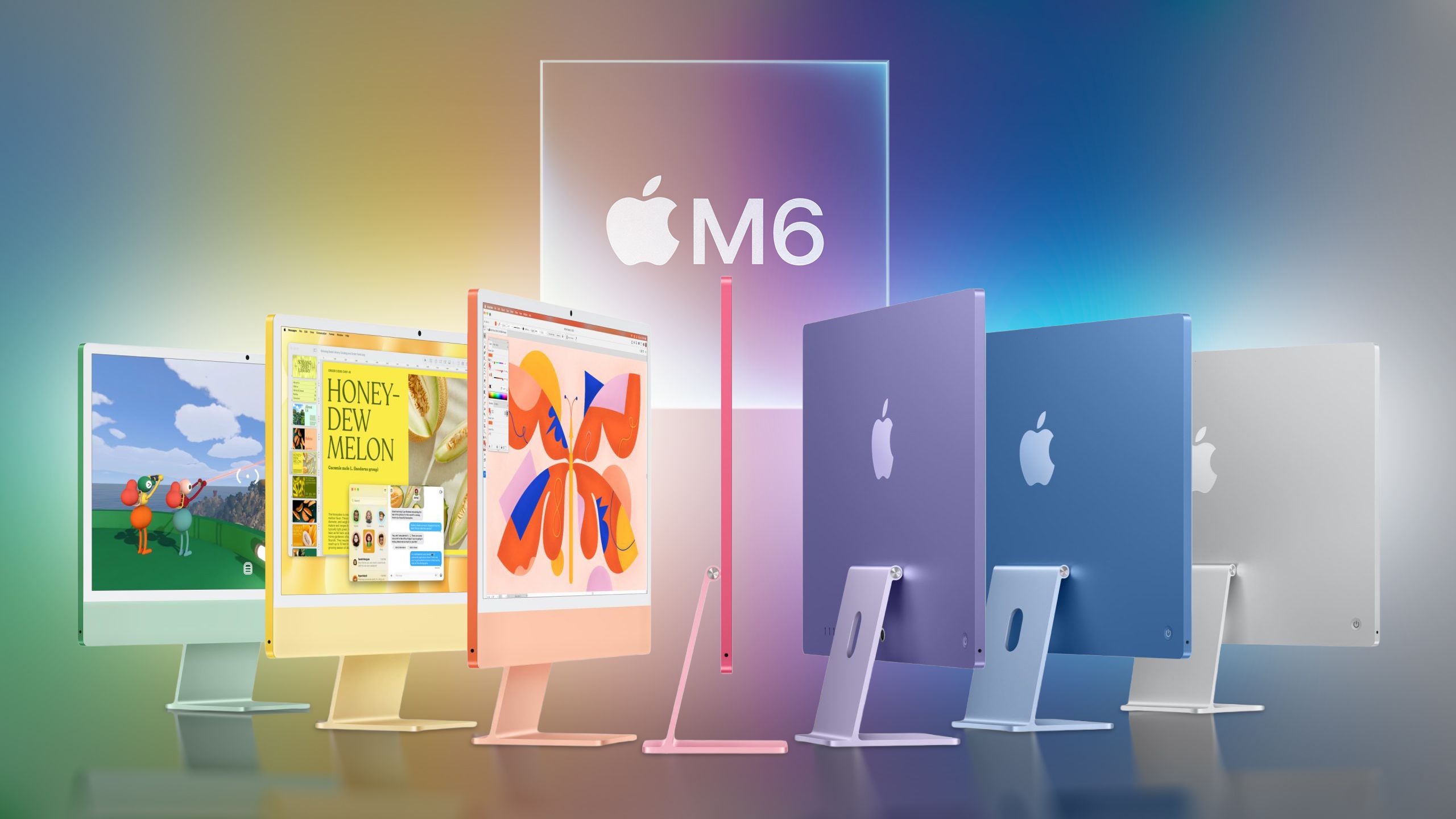
Apple's latest iMac skips the M5 chip and moves directly to the M6, bringing faster performance, improved connectivity, and faster storage. So how much has changed since the M4 model arrived in 2024, and is it worth upgrading? The M6 iMac starts at $1,499 in the United States, with the four-port configuration starting at $1,699. While the entry price is $200 higher than the M4 model's original $1,299 launch price, the outgoing model had already risen to $1,499 earlier in 2026. With much of the iMac experience unchanged, existing M4 owners may be weighing up whether the performance improvements justify replacing their machine, while new buyers may be considering a discounted older model. Here are the key differences between the M4 and M6 iMac: iMac (M4, 2024) iMac (M6, 2026) M4 chip made using TSMC's second-generation 3nm process (N3E) M6 chip made using TSMC's first-generation 2nm process (N2) FinFET transistors Gate-all-around nanosheet transistors Two-port model: 8-core CPU with 4 performance cores and 4 efficiency cores Four-port model: 10-core CPU with 4 performance cores and 6 efficiency cores Two-port model: 10-core CPU with 2 super cores, 3 performance cores, and 5 efficiency cores Four-port model: 12-core CPU with 2 super cores, 4 performance cores, and 6 efficiency cores Two CPU core types: performance and efficiency Three CPU core types: super, performance, and efficiency Two-port model: 8-core GPU Four-port model: 10-core GPU Two-port model: 10-core GPU Four-port model: 12-core GPU Integrated Neural Accelerator in every GPU core GPU shader cores without dedicated Neural Accelerators GPU shader cores with a dedicated Neural Accelerator in every core First-generation Dynamic Caching Updated Dynamic Caching Second-generation hardware-accelerated ray tracing Hardware-accelerated ray tracing with up to 2x higher gaming performance compared with M4, according to Apple One 16-core Neural Engine Two 16-core Neural Engines, totaling 32 cores, which system frameworks can use simultaneously 120GB/s unified memory bandwidth Up to 170GB/s unified memory bandwidth SSD storage SSD storage with PCIe 5.0 support and up to 2x faster read and write performance Broadcom wireless networking chip Apple N1 wireless networking chip Wi-Fi 6E (802.11ax) Wi-Fi 7 (802.11be) Bluetooth 5.3 Bluetooth 6 Thread networking technology Two-port model: Optional Gigabit Ethernet Four-port model: Gigabit Ethernet as standard Two-port model: Optional 2.5Gb Ethernet Four-port model: 2.5Gb Ethernet as standard Two-port model: One external display up to 6K at 60Hz Two-port model: One external display up to 6K at 60Hz or 4K at 165Hz Four-port model: Two external displays up to 6K at 60Hz, or one external display up to 8K at 60Hz Four-port model: Two external displays up to 6K at 60Hz or 4K at 165Hz, or one external display up to 8K at 60Hz, 5K at 120Hz, or 4K at 240Hz Four-port model: Support for two external displays over a single Thunderbolt port 100% recycled gold plating and tin solder in multiple printed circuit boards 100% recycled gold plating and tin solder in all Apple-designed printed circuit boards Over 20% of manufacturing electricity sourced from low-carbon electricity 40% of manufacturing electricity sourced from renewable electricity Apple claims the following workflow improvements for the M6 iMac compared with the M4 model: Up to 1.5x faster performance in Microsoft Excel. Up to 2x faster graphics performance for photo editing in Affinity. Up to 5x faster prompt processing in LM Studio. Up to 2x higher gaming performance with ray tracing. Is It Worth Upgrading From the M4 to M6 iMac? For most M4 iMac owners, there is little reason to upgrade. The M6's performance improvements are substantial in certain tasks, but casual tasks such as browsing, email, video calls, and streaming are already comfortably within the M4's capabilities. With the same display, camera, speakers, and overall design, the new model is unlikely to meaningfully change how most households use their iMac. Occasional photo editing or gaming can benefit from the M6, but these improvements alone are difficult to justify replacing an otherwise capable computer. The faster networking similarly offers limited incentive unless your current connection is a particular frustration and the rest of your equipment can support the upgrade. For the typical M4 iMac owner, keeping the existing machine is the sensible choice. Should You Buy the M4 or M6 iMac? For buyers choosing a new family computer, the M6 iMac is the straightforward choice when comparable configurations are close in price. Its additional performance provides more room for demanding apps and games as your needs change, while retaining the familiar all-in-one experience. However, a substantially discounted M4 iMac remains an appealing purchase. Most households will get much the same everyday experience, making the saving more useful than the M6's additional processing power.Related Roundup: iMacBuyer's Guide: iMac (Coming Soon)Related Forum: iMacThis article, "M4 vs. M6 iMac Buyer's Guide: Should You Upgrade?" first appeared on MacRumors.comDiscuss this article in our forums
This is a summary aggregated from MacRumors. Read the complete article on the original site:
Read full article at MacRumors